
How to Reset Your Password at WORLD SLASHER COCKFIGHTING (WSC): A Step-by-Step Guide
Leave Comment/ By E /Sep, 17 2024
Step 1: Locate the “Forgot Password” Link
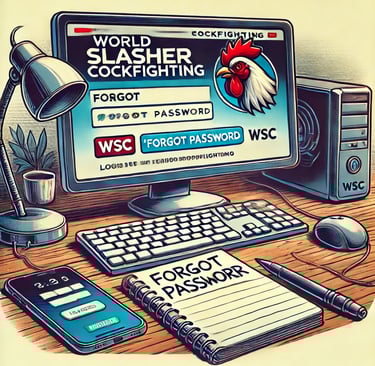
Start by navigating to the WSC login page. Below the password entry field, you'll find the "Forgot Password" link. This is your first step toward regaining access to your account.
Step 2: Enter Your Email or Username
Click on the "Forgot Password" link, and you will be prompted to enter the email address or username associated with your WSC account. It’s important to use the exact email or username to ensure that the reset process goes smoothly.
Step 3: Check Your Email
After submitting your email or username, check your inbox for a reset email from WSC. This email will contain a link to reset your password. If you don’t see the email, remember to check your spam or junk folders.
Step 4: Follow the Reset Link
Open the email and click the provided link. Be cautious and make sure that the email is legitimately from WSC to avoid phishing scams. This link will direct you to a secure page where you can set a new password.
Step 5: Enter a New Password
Choose a new, strong password for your WSC account. A robust password includes a combination of letters, numbers, and symbols and differs from passwords you use elsewhere.
Step 6: Confirm Your New Password
You’ll need to enter your new password twice to confirm accuracy. This ensures there are no typos or errors in what you’ve chosen as your new password.
Step 7: Complete the Reset Process
Submit your new password. You should receive an immediate confirmation from WSC that your password has been updated successfully.
Step 8: Log In With Your New Password
With your new password set, return to the WSC login page and try accessing your account again. This should resolve any access issues you were experiencing.
Step 9: Implement Further Security Measures
To enhance security, consider enabling two-factor authentication (2FA) for your WSC account, adding an extra layer of protection by requiring a second verification step.
Conclusion
Resetting your password at WSC is easy and fast. By following these steps, you can ensure that your account remains secure and accessible. Remember to update your passwords regularly and use a password manager to keep track of your credentials efficiently.
Get in touch
Let's Talk
info@worldslashercockfighting.org.ph


ALL RIGHTS RESERVED 2024