
Guidelines Relating to Forgot Password for WORLD SLASHER COCKFIGHTING (WSC)
Leave Comment/ By D /Sep, 17 2024
Step 1: Identify the Forgot Password Link
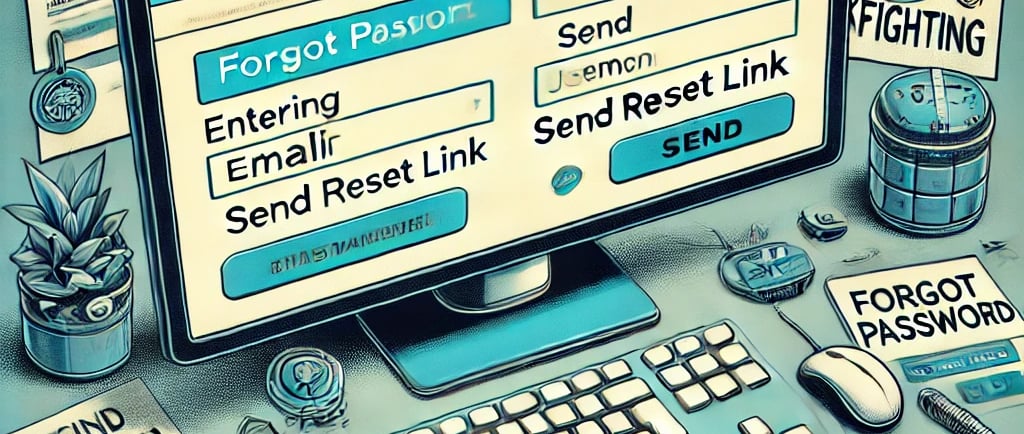
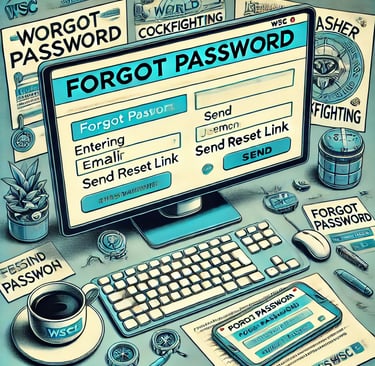
Begin by navigating to the WSC login page. Directly below the password input field, you will find the "Forgot Password" link. This link is designed to initiate the password recovery process by directing you to the appropriate page where you can begin the reset process.
Step 2: Submit Your Registered Email or Username
Once you click on the "Forgot Password" link, you will be prompted to enter the email address or username associated with your account. It’s vital to use the email or username that was originally registered, as this information is used to verify your identity and authorize the password reset.
Step 3: Access Your Email Account
After submitting your details, check the inbox of the email address provided. WSC will send an email containing a password reset link. If you don't receive the email within a few minutes, ensure to check your spam or junk folders as emails can sometimes be misfiltered.
Step 4: Follow the Password Reset Link
Open the email from WSC and click on the provided link. This link is secure and will redirect you to a new page where you can set a new password. Be cautious of phishing attempts; make sure the email genuinely comes from WSC before clicking any links.
Step 5: Create a New Password
You will be prompted to enter a new password on the reset page. When creating a new password, choose one that is strong and unique to this site. Include a mix of upper and lower case letters, numbers, and symbols to enhance security.
Step 6: Confirm Your New Password
Re-enter your new password in the confirmation field to verify that you have typed it correctly. This step is crucial to prevent any typos from locking you out of your account.
Step 7: Complete the Password Reset
Submit your new password. Upon successful reset, WSC will confirm that your password has been updated. You will receive a notification either on the webpage or via email confirming the change.
Step 8: Log Back Into Your Account
With your new password set, attempt to log back into your WSC account. If all steps were followed correctly, you should now have access to your account.
Additional Tips
Regularly Update Your Password: Regular password changes are a good security practice. Consider setting a reminder to update your WSC password every few months.
Use a Password Manager: To keep track of your passwords without compromising security, consider using a reputable password manager. This tool can also help generate strong passwords and store them securely.
Conclusion
Resetting your password at WORLD SLASHER COCKFIGHTING is a straightforward process designed to quickly restore access to your account. By following these detailed steps, you can ensure that your participation in WSC events is secure and uninterrupted.
Get in touch
Let's Talk
info@worldslashercockfighting.org.ph


ALL RIGHTS RESERVED 2024